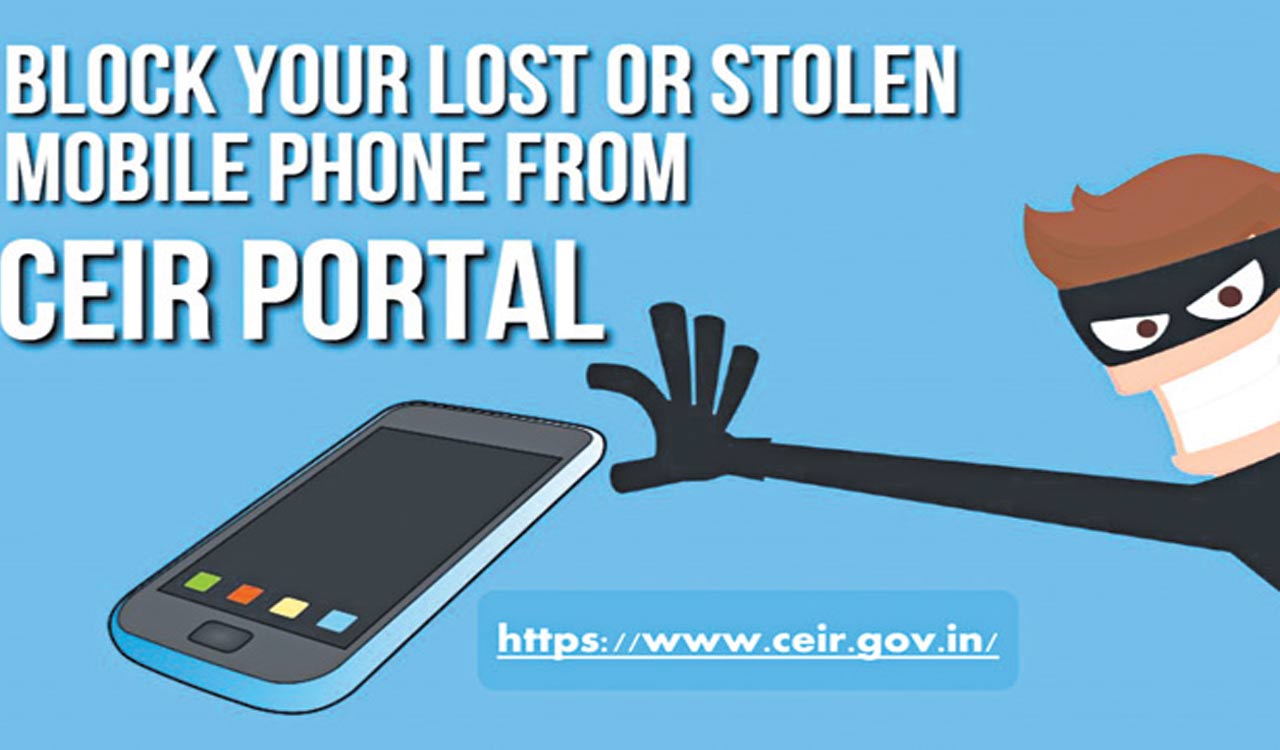
Once a mobile device is blocked through CEIR, it will not be able to connect to any network
Posted Date – Tue, 04/04/23 at 12:45pm
The Central Equipment Identity Registry (CEIR) was established by the Department of Telecommunications (DoT) to combat the sale of counterfeit mobile phones, deter mobile phone theft, protect consumer interests and enable lawful interception by law enforcement agencies.
It links to all mobile operators’ International Mobile Equipment Identity (IMEI) databases, serving as a central support system for network operators to share blacklisted mobile devices.
This ensures that even if the Subscriber Identity Module (SIM) card is replaced, a device that is blacklisted on one network cannot operate on another network.
BENEFITS OF CEIR PORTAL TO TRACK LOST MOBILE PHONE:-
CEIR Portal https://ceir.gov.in was created for tracking lost or stolen mobile devices and it uses the IMEI number assigned to the mobile phone to track lost or stolen devices. Once a mobile device is blocked through CEIR, it will not be able to connect to any Indian internet company, making it unusable.
Check IMEI Number on CEIR Portal:-
* Login to the portal https://ceir.gov.in/Device/CeirIMEIVerification.jsp
* Enter your mobile phone number
* OTP will be sent to your phone, please enter OTP
* Enter the 15-digit IMEI number and click Check
* Your IMEI number will be verified
Block Cell Phones on CEIR Portal: –
* You must visit the nearest police station and file an FIR, or obtain a certificate of loss of the device or a certified copy of your petition
* Obtain a duplicate SIM card from your service provider
* Log on to CEIR Portal, keep copy of complaint and proof of identity (Aadhaar card) https://www.ceir.gov.in/Request/CeirUserBlockRequestDirect.jsp.
* A request ID will be generated after submitting the form
* Provide the reason for blocking the mobile number
* You will get an OTP to registration number, enter OTP and submit
Check the status of your complaint request on the CEIR Portal: –
* Login to the portal https://ceir.gov.in/Request/CeirRequestStatus.jsp
* Select the “Check Request Status” option
* Enter the request ID, the status will be displayed
Unlock recovered/found phone on CEIR Portal:-
* Login to Portal https://ceir.gov.in/Request/CeirUserUnblockRequestDirect.jsp
* Enter the request ID (when you use to block)
* Provide the reason for unblocking the mobile number (discovery, etc.).
Wipe data using Find My Device: –
* Find, lock or wipe a lost Android device https://support.google.com/accounts/answer/6160491?hl=en
* Wipe device in Find My iPhone on iCloud.com https://support.apple.com/en-in/guide/icloud/mmfc0ef36f/icloud
* Find my Android device, https://www.google.com/android/find
* Find My Apple Devices, https://www.apple.com/in/icloud/find-my/
Tips to keep your phone safe:-
* Data Leakage: It looks for embedded trackers and lists them. It does not decompile applications, and its analysis techniques are perfectly legal. https://reports.exodus-privacy.eu.org/en/
*Confirm your mobile number: Allow users in the telecommunications sector to confirm their registration numbers and delete registration numbers they do not know. https://tafcop.dgtelecom.gov.in
* Verify incoming SMS: Allows subscribers to identify the sender of a mass SMS. https://smsheader.trai.gov.in
* Short Links:- Short links received via SMS, WhatsApp and Email may not lead to their intended location and may damage your computer or your private data.
Here is a way to check the full URL details of a short link. https://www.unshorten.it
* Phishing – We can check specific websites for phishing activity. https://isitphishing.org/
* Antivirus and antimalware – McAfee Mobile Security and Kaspersky Antivirus and Security can help spot installed malicious applications.
* 2FA – Enable two-factor authentication for all apps and social media and email accounts